

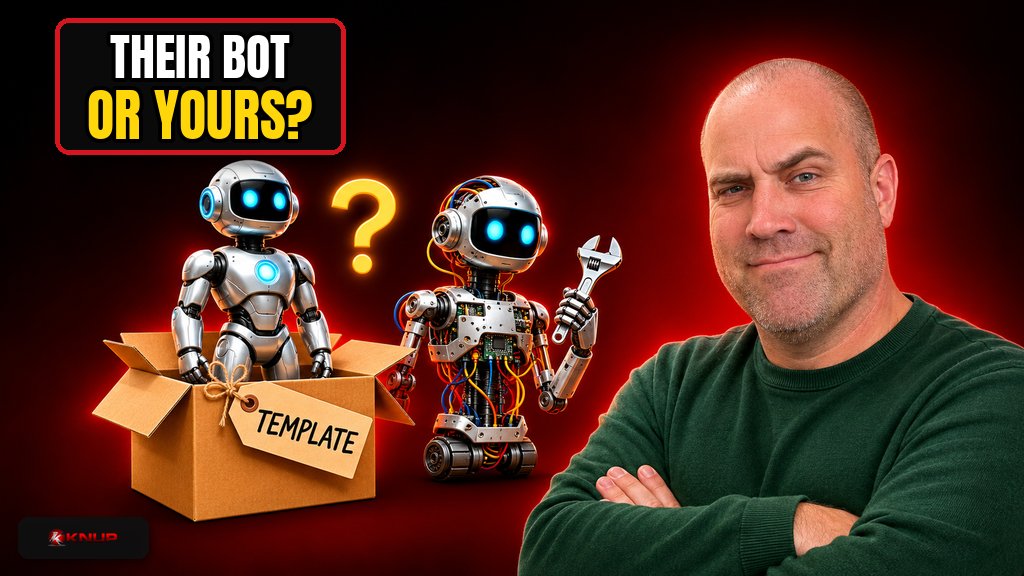
There's a new shortcut in the AI world. Instead of building an AI agent yourself, you can grab one somebody else already built. Click a link, add it, done.
That sounds great. And sometimes it is.
But I had a gut reaction to it, and I posted about it on X. Here's exactly what I said:
"Am I the only one that doesn't use the GrokBot Directory at all? Maybe I'm a control freak. But I don't really want to start with someone elses bot. I want to train my team from day 1 to do what I need them to do. I guess I'm just worried that these pre-built bots will be more hassle than help if they are doing things that I don't agree with or believe in. Hmmm, maybe I'm overthinking it. Do you use others @grok @bot templates or start fresh with your own?"
That's my lean. But a lean isn't a rule, and it isn't the right answer for everybody. So let's actually work through it. What is a prebuilt AI agent, when does it make sense, and when should you start from scratch?
What a prebuilt AI agent template actually is
If you're new to this, start with my post on what an AI agent is. The short version is that an AI agent is a goal, a brain, some tools and memory, running in a loop until the job is done.
A template is someone else's version of that, packaged up so you can make your own copy.
xAI's own guide on templates for Grok Bot describes a template as "a collection of skills, memories, and plugins." It's a blueprint for launching a copy of someone's bot, not a one-to-one clone. The guide puts it this way: think "recipe, not meal."
A few details from that guide are worth knowing before you add anything:
- You get a copy, not their bot. Your new bot is its own thing. The person who shared it doesn't run it for you.
- Personal stuff is left out. By default, personal or internal memories are excluded, and templates don't include secrets.
- Custom code doesn't come along. Custom code, scripts and non-standard plugins like MCP servers aren't included. If the original bot depended on them, you have to set those up yourself.
- Plugins need reinstalling. The new bot comes with the plugins the original used, but you'll still have to install them on your side.
- They're shared by link. A template can be shared with a team or made public, and adding one takes a single link.
The same guide ends with a warning I really like: be very careful about what you're installing in your bot, and evaluate templates just like you would evaluate skills or software.
Grok Bot is just one example. The same idea, someone else's setup packaged for you to copy, shows up across a lot of AI tools. The questions below apply to all of them.
Why prebuilt AI agents are so tempting
Let's be fair to templates. There are real reasons people use them.
They're fast. Building an agent from nothing means writing instructions, picking tools, connecting accounts and testing. A template hands you a starting point in a minute.
They show you what's possible. If you've never built an agent, seeing how someone else wrote their instructions is a great education. You learn the shape of a good setup by looking at one.
Somebody already hit the walls. A well-made template often carries lessons its creator learned the hard way. That can save you a few frustrating afternoons.
Some jobs are pretty universal. Writing alt text for images, summarizing a meeting transcript, turning notes into a checklist. Those jobs don't change much from one business to the next.
Where prebuilt AI agents fall short
Here's the other side, and it's basically what I was worried about in that post.
It does things your way only by accident. A template was built around someone else's business, tone and habits. It might make decisions you don't agree with, in a voice that doesn't sound like you. Fixing that can take longer than writing your own instructions would have.
You inherit their assumptions. If the creator thought it was fine to auto-send emails or that every customer wants a long answer, that thinking is now baked into your bot. You may not notice until it does something you wouldn't.
You don't know what you don't know. When you write the instructions yourself, you know every rule in there. When you add a template, there may be lines you never read.
It's a supply chain. This is the security angle. The OWASP Top 10 for LLM applications lists supply chain risk as its own category, covering things like third-party models, data and packages. A shared bot template isn't the same thing as a shared model, but the lesson carries over. Anything you pull in from someone else is something you're trusting.
It can be more than you need. Anthropic's guide to building effective agents recommends "finding the simplest solution possible, and only increasing complexity when needed." A big template with a dozen skills and plugins might be way more machine than your actual job calls for.
When a prebuilt AI agent template makes sense
Use a template when most of these are true:
- The job is common and low risk. Formatting, summarizing, drafting something you'll review anyway.
- You can read the whole thing. The instructions, memories and integrations are short enough that you can actually check them.
- It doesn't need access to anything sensitive. No customer lists, payment info, passwords or private files.
- Nothing goes out without you. It drafts, you approve. It doesn't send, spend or delete on its own.
- You plan to change it. You treat it like a first draft, not a finished product.
That last one is the big one. A template you edit until it fits is really just a head start on building your own. That's a great use of one.
When you should build your own AI agent
Start fresh when any of these are true:
- The job is core to how you do business. If it touches customers, your brand voice or your money, you want every rule to be one you chose.
- It needs your judgment. If the right answer depends on how you like things done, nobody else's bot knows that. You have to teach it.
- It connects to real accounts. Email, your CRM, your website, your bank. You want to know exactly what it can touch.
- You can't easily read what the template does. If you can't explain what it will do, you shouldn't hand it the keys.
- You want it to grow with you. A bot you built from day one learns your way from day one. That's the whole point of what I was saying in that post.
Building your own sounds harder than it is. I walked through it step by step in how to build an AI agent without coding. Pick one narrow job, write the instructions, give it the knowledge and tools it needs, require your OK for anything that sends, spends or deletes, then test and expand.
The middle path that works for most people
You don't have to pick a side forever. Here's a simple approach that gets the best of both.
Read templates, then write your own. Look at a few well-made templates for the job you care about. Notice how they structure instructions, what rules they include and what tools they use. Then build your own bot using what you learned, in your own words, for your own business.
Or start with a template and make it yours. If you do add one, go through it line by line in your first week. Rewrite the instructions in your voice. Delete skills and memories you don't need. Remove integrations it doesn't use. Change anything that doesn't match how you work.
Either way, by the end, the bot does what you need it to do. That's what matters.
How to check a prebuilt AI agent before you add it
If you're going to add a template, run through this list first.
- Know who made it. A name you can look up and a public track record count for something. An anonymous link from a random reply doesn't.
- Read everything before you click add. xAI's guide points out you can view the details of a template, including its context and integrations. Read all of it.
- Check every integration. Ask why it needs each one. A writing helper doesn't need access to your files and email.
- Look for anything that sends, spends or deletes. Make sure those actions need your approval.
- Watch for setup steps involving keys or code. The guide notes that templates needing API keys or custom servers take extra setup. Be extra careful there. My post on keeping passwords and API keys out of AI-built code covers why.
- Test it on fake or low-stakes work first. Give it a task where a mistake doesn't matter, and see what it actually does.
- Keep sensitive data out until you trust it. If your business has an AI policy, follow it. If you don't have one yet, here's how to write an AI policy for a small business, including a simple green, yellow and red data rule.
A quick way to decide
If you're stuck, ask yourself one question. If this bot made a decision I didn't like, would it be a minor annoyance or a real problem?
If it's a minor annoyance, a template is probably fine. Grab it, tweak it, move on.
If it's a real problem, build your own, or at least rewrite the template so thoroughly that it's really yours.
Final thoughts
Prebuilt AI agents are a genuinely useful idea. They make it easier for people to share what works, and they're a great way to learn. I'm not against them.
I just know where I land. I'd rather teach a bot my way from day one than spend my time untraining someone else's habits. Maybe I'm overthinking it, like I said on X. But when a bot is doing work with your name on it, a little overthinking is cheap.
Whatever you pick, start small. One job, clear instructions, your OK before anything goes out. If you're just getting started, my post on how to pick your first AI project can help you choose that first job, and how to use more than one AI assistant without starting over each time covers keeping your context portable once you have a few tools going.
FAQ
What is a prebuilt AI agent?
A prebuilt AI agent is an agent someone else already set up, with instructions, skills, memories and tool connections, that you can copy into your own account. On Grok Bot these are called templates, and xAI describes them as a collection of skills, memories and plugins.
Is it safe to use AI agent templates?
It can be, if you check them first. Read every instruction and integration, confirm it can't send, spend or delete without your approval, test it on low-stakes work, and keep sensitive data out until you trust it. xAI's own guide says to evaluate templates just like you would evaluate skills or software.
Do AI agent templates include the creator's private information?
According to xAI's guide for Grok Bot templates, personal or internal memories are excluded by default and templates don't include secrets. Custom code, scripts and non-standard plugins like MCP servers aren't included either, so you may need to set some things up yourself.
Should a small business build its own AI agent?
For anything core to the business, like customer replies, brand voice or money, building your own usually makes more sense, because every rule is one you chose. For common, low-risk jobs like summarizing or formatting, a template you edit to fit can be a fine head start.
Can I customize a prebuilt AI agent after I add it?
Yes. Your copy is its own bot. You can rewrite its instructions, remove skills and memories you don't need, and take away integrations it doesn't use. Treat a template like a first draft, not a finished product.
Is building an AI agent from scratch hard?
Not with today's no-code tools. Pick one narrow job, write clear instructions, give it only the knowledge and tools it needs, require your approval for anything that sends, spends or deletes, then test it and expand slowly.